Heritage elegance, with a digital touch
Every celebration begins with an invitation
Dawa — Arabic for “invitation” — lets you create a premium digital invitation for your wedding or family occasion in minutes: pick a template, make it yours, and share one link with every guest on WhatsApp.

The story of the name
One word, three meanings
An invitation to joy دعوةٌ إلى الفرح
The card that opens the celebration’s door to every guest.
A prayer for good دعوةٌ بالخير
The blessing we wish the couple, from the heart.
An invitation to generosity دعوةٌ إلى الكرم
Opening your home and your joy to the people you love.
Custom design
Want something entirely your own?
Tell us about your celebration and we’ll design a template just for you — your colours, your wording, your story. Once it’s ready it appears in your dashboard like any other template.
How it works
From the first idea to your guests’ replies
Five calm steps, all online, and an invitation worthy of your celebration.
Choose a template
Weddings, engagements, katb kitab, birthdays and more — each designed in the spirit of a printed invitation.
Make it yours
Names, date, venue and map, photos and music — you see every change live as you type.
Preview and pick your link
Preview the full invitation for free, then choose your own address: yourdawa.com/your-names
Pay securely
By card, mobile wallet or InstaPay, in Egyptian pounds. Your invitation goes live once payment is confirmed.
Share and follow
Send the link on WhatsApp, then follow RSVPs and visits from your dashboard.
Templates
For every celebration, its own template
Open any template to see a full live demo before you start.

Sparkles
EGP 299
View template: Sparkles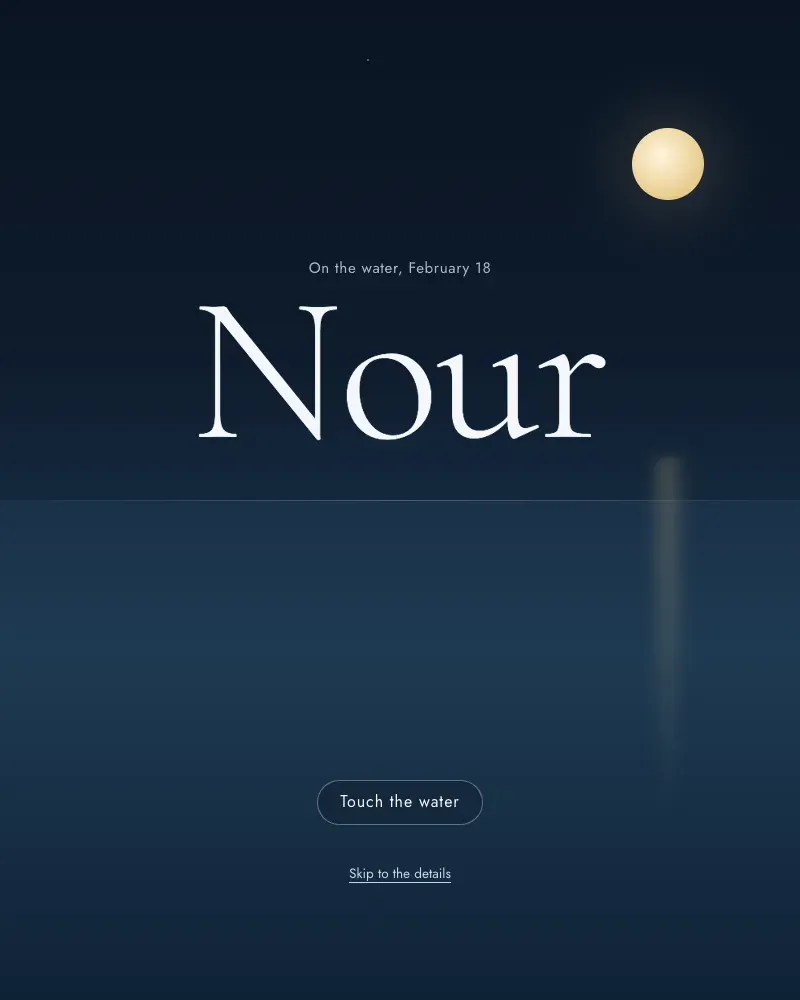
Mirror Lake
EGP 399
View template: Mirror Lake
Guest list
A calm interface, clear answers
Each guest replies from the invitation itself — no app, no account — and the replies arrive in one tidy list in your dashboard, ready to export.
- AttendingThe guest confirmed, with the number of companions.
- Awaiting replyThe invitation arrived; no reply yet.
- RegretsThe guest kindly declined.
Each state has its own word and border style, so nothing relies on colour alone.
| Guest | Party | Status |
|---|---|---|
| Mr Mahmoud’s family | 4 | Attending |
| Dr Sara Ibrahim | 2 | Awaiting reply |
| Al-Shammari family | 5 | Attending |
| Eng. Khaled Omar | 1 | Regrets |
FAQ
Before you ask
How can I pay?
By card through our secure payment page, by mobile wallet, or by InstaPay — all in Egyptian pounds. Card payments activate your invitation straight away; wallet and InstaPay transfers go live once we have checked the transfer screenshot you upload.
Do my guests need an app or an account?
No. Guests simply open the link you send them on WhatsApp — it works in any phone browser, and they can reply without signing up.
Can I edit the invitation after publishing it?
Yes. Change the date, venue, wording or photos from your dashboard and save — everyone who opens the link sees the update on the same address.
Where do I see my guests’ replies?
In your dashboard, under the invitation’s guest list: who is attending, who sent regrets and how many companions are coming, plus how many times the invitation was opened. You can export the list as a spreadsheet.
Can you design a custom invitation for me?
Yes. Send a custom design request from your dashboard with your ideas and references; we’ll chat with you there, and the finished template is added to your account.
Can I preview my invitation before paying?
Yes. Building and previewing your invitation is free; you only pay when you are ready to publish it at your own link.
What if I need a refund?
You can ask for a refund before your invitation goes live, or if we can’t deliver it. We review each request by hand within 3 business days.